The mistake gets circled where you wrote it.
Not in a chat window you have to read back and forth from.
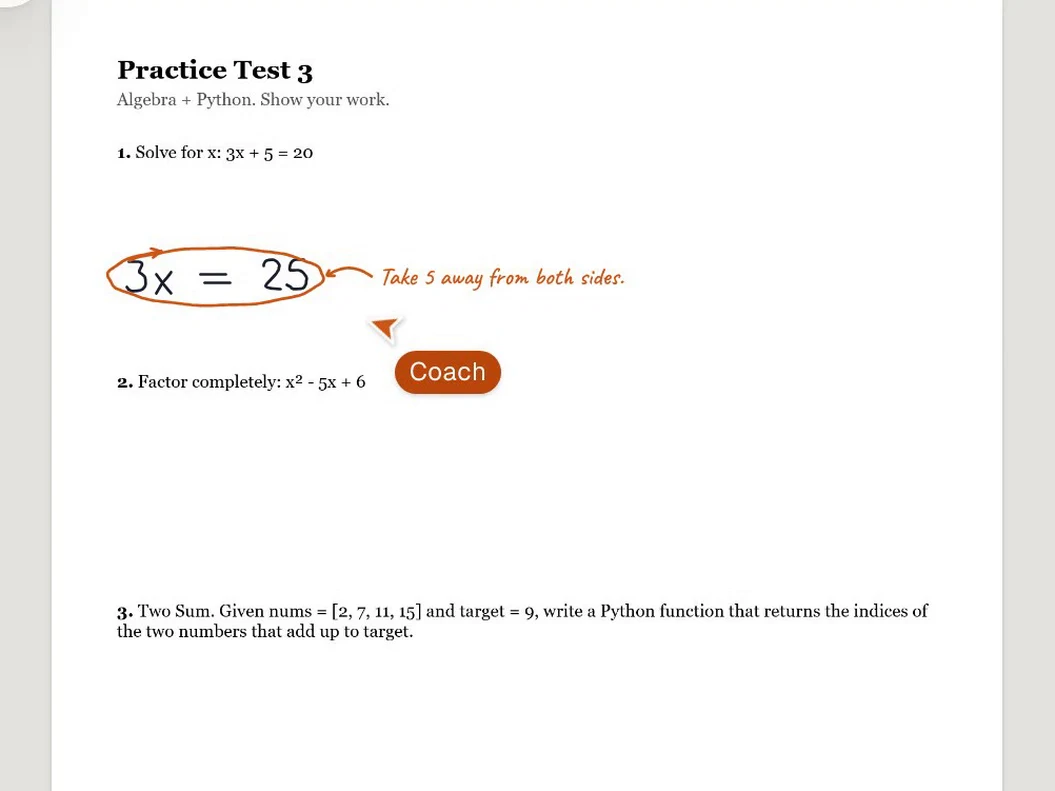
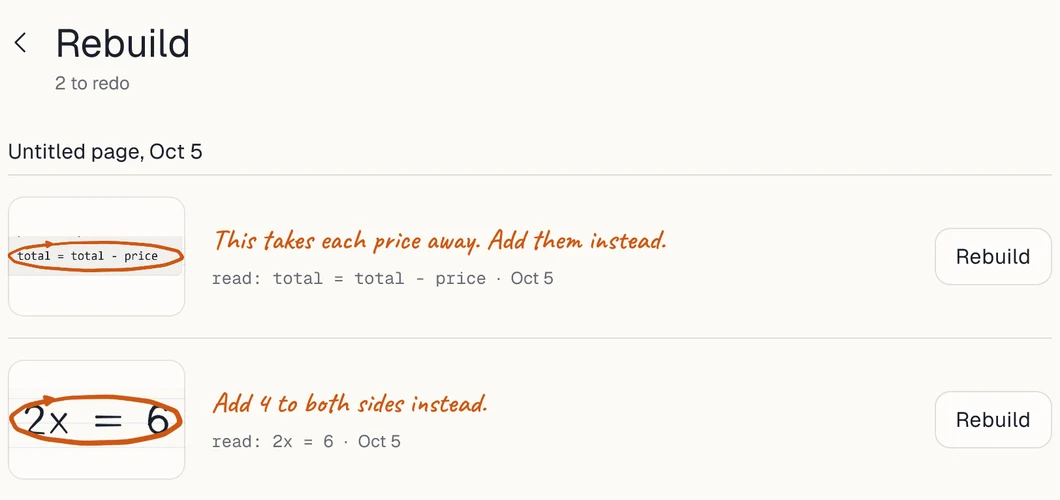
Write on your homework with Apple Pencil. Tap Check and the coach circles your first mistake and explains it, right on the page.
Free while we test on real iPads. No card needed. The first round is a small group of testers 18 and older in the US, on an invite code.
In a study of about 1,000 high schoolers, plain AI help cut later test scores 17%. A tutor that guided them instead of handing over answers mostly fixed that. Bastani et al., PNAS 2025
Real coach, sped up. A recording of the app played fast: his writing at 2 to 3x, the waits cut short, the coach's own moves at 1.25x. The writing is scripted; the reading, circles, notes and the quiz are the real coach.
Screen recording of Pencil Coach on an iPad, real coach, sped up (his writing at 2 to 3x, the waits cut short, the coach's moves at 1.25x). He writes 3x + 5 = 20, then 3x = 25, then x = 25 over 3, and taps Check. The coach circles 3x = 25 and writes: Take 5 away from both sides instead. He fixes the line to 3x = 15 and checks again: That works now, and it circles the next line. Then he asks for a quick quiz and it writes three equations on his page. Last, on a homework PDF he asks how to think about question 1 and the hint appears right on the PDF.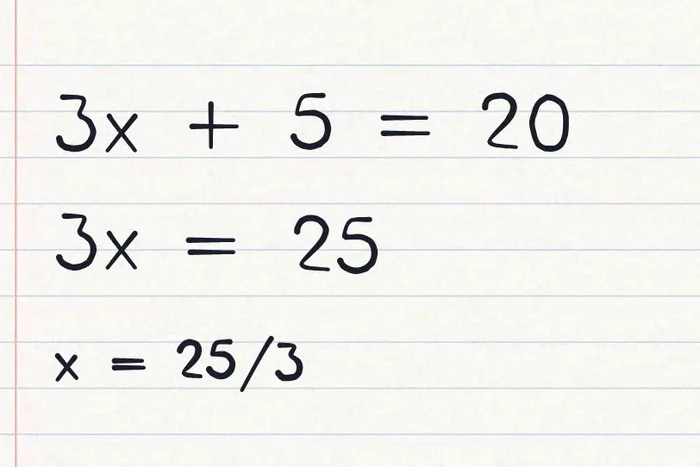
On a blank page or your homework PDF. Math or code.
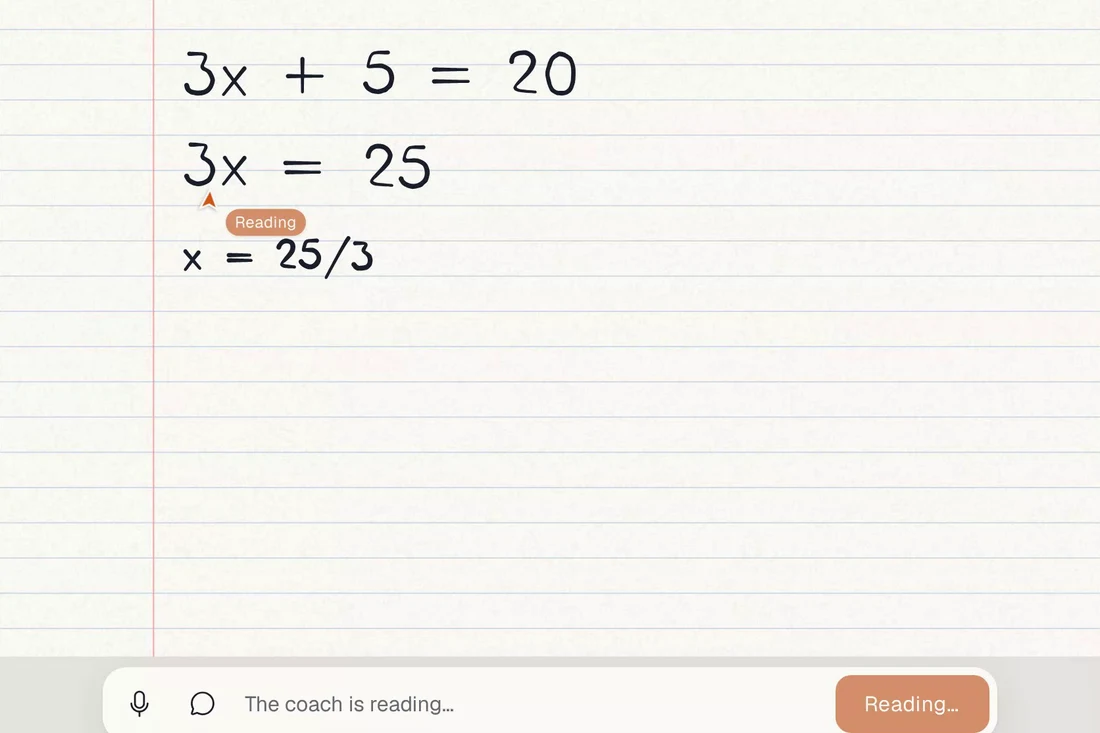
"How should I think about this?" works out loud too.
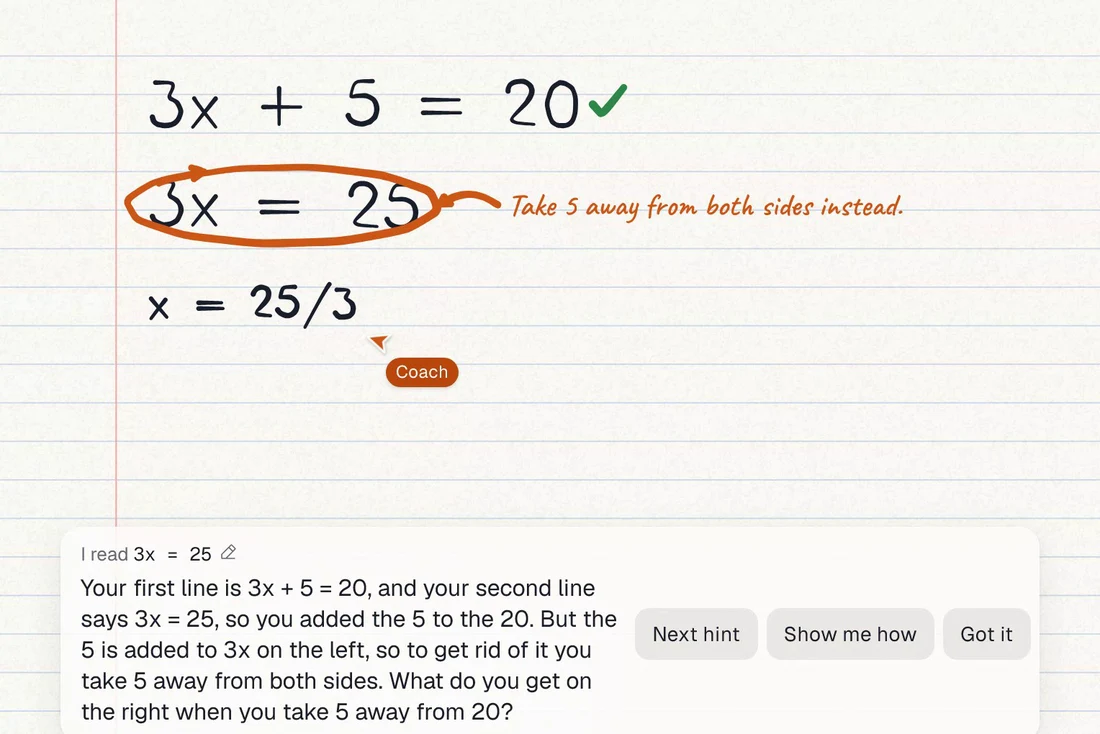
It says what went wrong and what to do next. Stuck? It writes the setup, draws it out, or shows a similar example. The answer only if you ask.
Copying gets the homework done.
Understanding gets the test done.
Not in a chat window you have to read back and forth from.
It says what went wrong and why, draws it out, and shows a similar example when you ask. You still write the answer.
![The Show me how card: a worked example on a similar problem, nums = [1, 4, 6] with target 10, in indented Python, played step by step. This step shows i = 0, j = 1 and says: The if adds the number at i to the number at j, two different spots.](assets/shot-hints.webp?v=2)
Every hint says what it read off your page. If it read you wrong, tap and fix it; when it isn't sure, it asks first.
Handwrite a LeetCode loop the same way you'd handwrite algebra.
![Handwritten Python for Two Sum, set as a clean code block. Three lines have green ticks and the line if nums[i] + nums[i] == 9 is circled with the note: Right now this adds the same number to itself. The coach explains that the first pass checks 2 + 2 and that a pair needs two different spots in the list.](assets/shot-code.webp?v=2)
later test scores after plain AI help
In a study of about 1,000 high schoolers, plain AI help cut later test scores 17%. A tutor that guided them instead of handing over answers mostly fixed that.
Bastani et al., PNAS 2025. Generative AI without guardrails can harm learning: Evidence from high school mathematics.
$0during the beta
Free while we test on real iPads. No payment is taken.
Join the iPad beta3Checks a day
Free stays free after the beta. No card needed.
$59.99a year
After the beta. A free 7 day trial on the yearly plan, or $9.99 a month. Up to 60 Checks a day.
Cancel in Settings in 2 taps.
Something else? Contact us.
Not by default. It shows where your work went wrong and explains why in plain words, and it can walk you through a similar example or a quick visual. If you clearly ask for the answer, it shows the step and why it works.
It shows you what it read, and asks when it isn't sure. Neat print reads best today.
Yes. Import the PDF, write on it, ask about any question.
Any iPad with Safari and an Apple Pencil (1st gen, 2nd gen, USB-C, Pro). Finger works too, Pencil is better.
It's built to stop the copy and paste habit: no answer until you've tried. Your teacher sees your work, not ours.
A picture of the page you're on and what you typed, only when you tap Check or ask. Nothing in the background.
The app is for ages 13 and up. The first beta round is for adult testers, 18 and older, in the US.
Yes. Python and LeetCode style problems, handwritten.
Free stays at 3 Checks a day. Pro is $59.99 a year or $9.99 a month.
Free while we test on real iPads. No card needed. The first round is a small group of testers 18 and older in the US, on an invite code.